Managing More Than One Warehouse? Double-Check Before You Bid
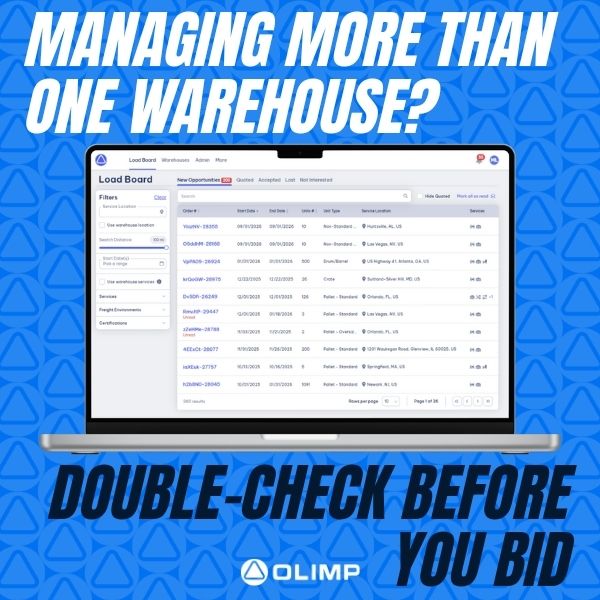
One Network, Many Locations? Make Sure You’re Quoting from the Right On
If you operate more than one warehouse location, it’s essential to make sure you’re placing bids under the correct facility. Quoting from the wrong location can lead to confusion, delayed shipments, or missed opportunities.
Before submitting a quote, navigate to the Submit Your Quote section in the platform. There, you’ll find a dropdown labeled “Bidding As” — this is where you can select the correct warehouse for each individual quote.
Taking just a few seconds to confirm your bidding location ensures accuracy, improves customer trust, and keeps your operations running smoothly.
Have questions about how to manage multiple locations on the platform? We’re here to help — just reach out to your Partner Success Manager for support.
You may be interested in
Peak Season Is Here — We Have Space!
Extra warehouse capacity for your incoming containers Running out of room for seasonal or inbound inventory? OLIMP connects you with 5,000+ warehouse locations across North America for flexible storage, transloading, cross-docking, and more. No long-term contracts. No unnecessary commitments. Just the space you need, when you need it. Need warehouse space?Request a Quote

Meeting in Houston? Visit OLIMP at Breakbulk Americas
Heading to Breakbulk Americas in Houston? Stop by OLIMP Warehousing at Booth S15.We’re the on-demand platform connecting you to 5,000+ vetted warehouses across North America — flexible short- or long-term storage, cross-docking, transloading, pallet reworks, and more. No minimums. No long-term contracts. Just fast, scalable space when and where your project cargo needs it.Meet the […]
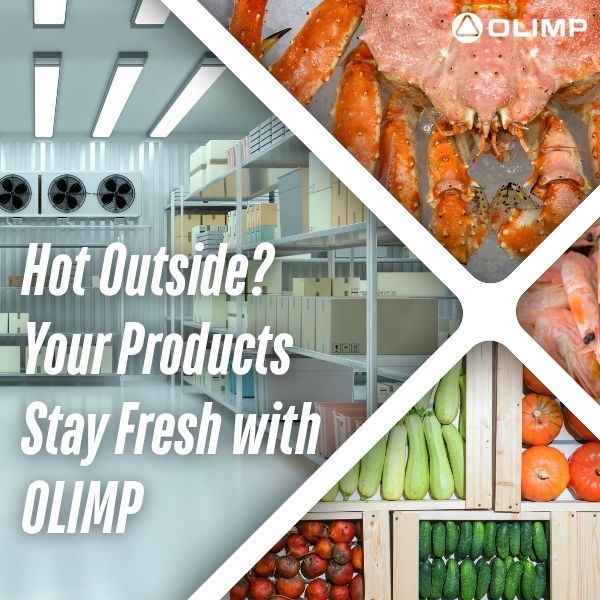
It’s Hot Outside — Keep Your Goods Cool with OLIMP Cold Storage
Uninterrupted Cold Chain Guarantee Even in Summer Heat Summer heat is rising, but your cold chain doesn’t have to melt down! OLIMP offers cold and frozen storage warehouses across the U.S., ensuring your temperature-sensitive products stay fresh no matter the weather. From perishable foods to pharmaceuticals, trust our reliable facilities to keep your inventory safe […]
Ready to streamline your warehousing needs?
Request a quote today and discover how OLIMP's tailored solutions can optimize your operations