Managing More Than One Warehouse? Double-Check Before You Bid
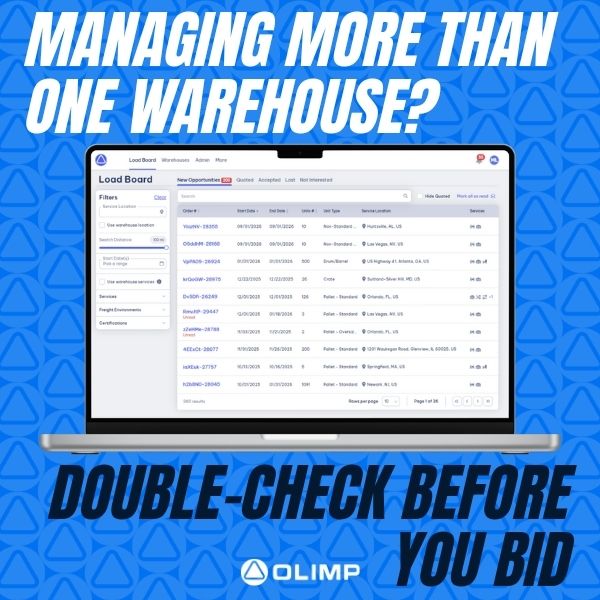
One Network, Many Locations? Make Sure You’re Quoting from the Right On
If you operate more than one warehouse location, it’s essential to make sure you’re placing bids under the correct facility. Quoting from the wrong location can lead to confusion, delayed shipments, or missed opportunities.
Before submitting a quote, navigate to the Submit Your Quote section in the platform. There, you’ll find a dropdown labeled “Bidding As” — this is where you can select the correct warehouse for each individual quote.
Taking just a few seconds to confirm your bidding location ensures accuracy, improves customer trust, and keeps your operations running smoothly.
Have questions about how to manage multiple locations on the platform? We’re here to help — just reach out to your Partner Success Manager for support.
You may be interested in
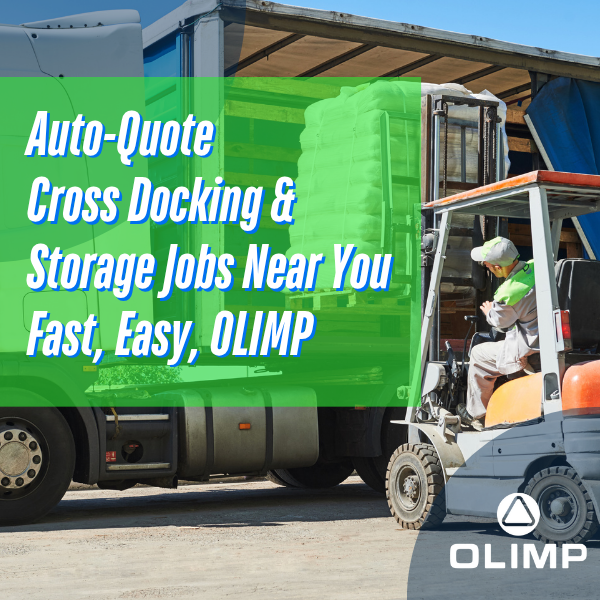
Save Time, Set Your Rates, and Stay in Control with Auto-Quote
Let OLIMP’s Load Board Quote for You — Automatically No more missed opportunities or back-and-forth emails. OLIMP’s Load Board now features Auto-Quoting for cross-docking and storage requests within 50 miles of your location. Here’s how it works:Set your rates once in the Load BoardTurn on Auto-QuoteLoad Board quotes on your behalfAccept, reject, or edit quotes […]

Upload Your W-9 to Streamline Payments
Get Paid Faster by Completing Your Profile To ensure smooth and timely payments after services are completed, please make sure your W-9 is uploaded to your warehouse profile. Having your W-9 on file helps us: If you’ve already uploaded your W-9—thank you! If not, we recommend taking care of it as soon as possible so […]
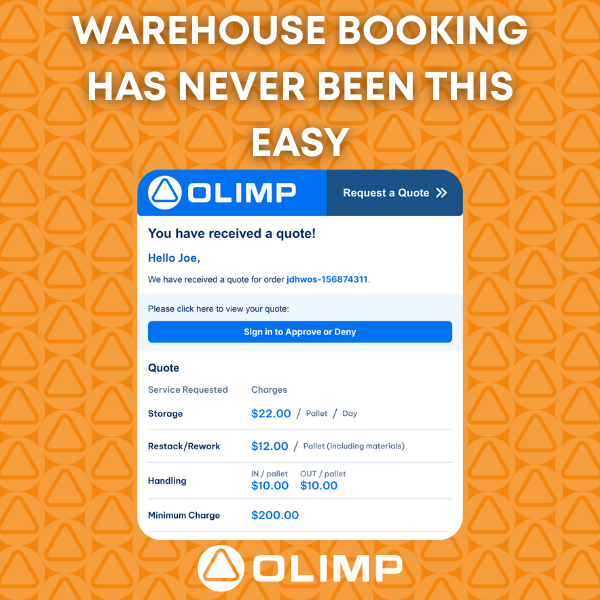
Warehouse Booking Has Never Been This Easy
Discover Our New Quote Format for Faster, Smoother Reservations! We’ve revamped our quote email to make things clearer, faster, and easier. Accept or Reject a quote directly from the email link or log into your OLIMP portal to:✔️View, accept, or reject quotes✔️Chat directly with your Partner Success Manager✔️Upload documents & images instantly Say goodbye to […]
Ready to streamline your warehousing needs?
Request a quote today and discover how OLIMP's tailored solutions can optimize your operations