Managing More Than One Warehouse? Double-Check Before You Bid
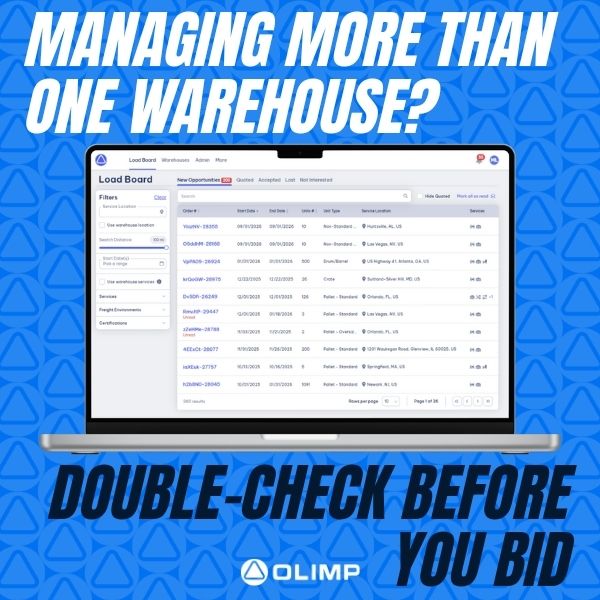
One Network, Many Locations? Make Sure You’re Quoting from the Right On
If you operate more than one warehouse location, it’s essential to make sure you’re placing bids under the correct facility. Quoting from the wrong location can lead to confusion, delayed shipments, or missed opportunities.
Before submitting a quote, navigate to the Submit Your Quote section in the platform. There, you’ll find a dropdown labeled “Bidding As” — this is where you can select the correct warehouse for each individual quote.
Taking just a few seconds to confirm your bidding location ensures accuracy, improves customer trust, and keeps your operations running smoothly.
Have questions about how to manage multiple locations on the platform? We’re here to help — just reach out to your Partner Success Manager for support.
You may be interested in
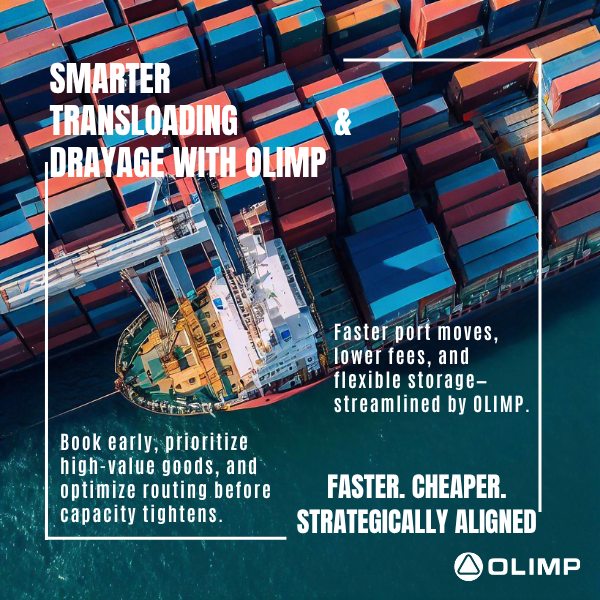
Navigate Port Congestion with OLIMP’s Expert Transloading & Drayage Solutions
Smart Logistics Start Here: Faster Turnarounds and Cost Savings with OLIMP ✔️ As port congestion and inland capacity tighten across the U.S., smart logistics decisions are more critical than ever. Whether you’re moving high-tariff goods or aiming to reduce costs, OLIMP helps you streamline operations through expert transloading and drayage solutions. Here’s what you can […]
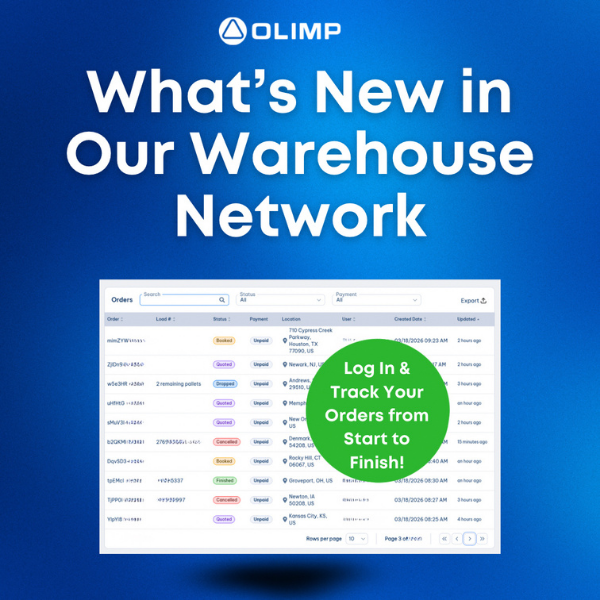
What’s New in Our Warehouse Network
Create an account to stay up to date! Our platform continues to grow, making it easier than ever to manage your warehousing needs in one place. When you create a free account and log in, you can view all your past and current orders, search for warehousing options across the US, and quickly request and […]
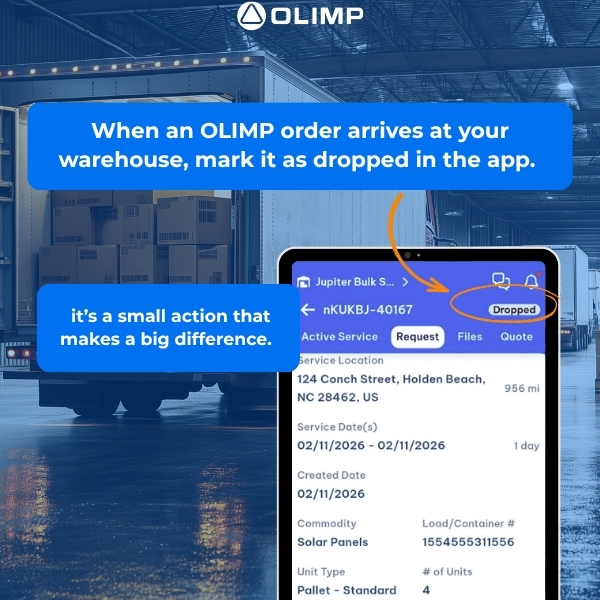
When an OLIMP order arrives at your warehouse, mark it as dropped in the app.
This quick step is essential. It immediately notifies our team and the customer that the freight has arrived safely at your facility. Real-time updates keep everyone aligned, reduce follow-up calls, and help maintain smooth, reliable service from drop-off through the rest of the process.Accurate status updates build trust with shippers and strengthen your partnership with […]
Ready to streamline your warehousing needs?
Request a quote today and discover how OLIMP's tailored solutions can optimize your operations